Additional Checks
After you check the numbers and everything seems perfect in terms of the numbers, there are two more checks you should always do.
The simplest way to do it, is to set up filters in your excel sheet with design. And filter the levels of attributes one by one, and check if all of the levels you have in your specification are present. If you had some prohibitions in your specification, it won’t hurt to double check if the combinations of levels do not occur in the design (this should be also visible from pairwise frequencies).
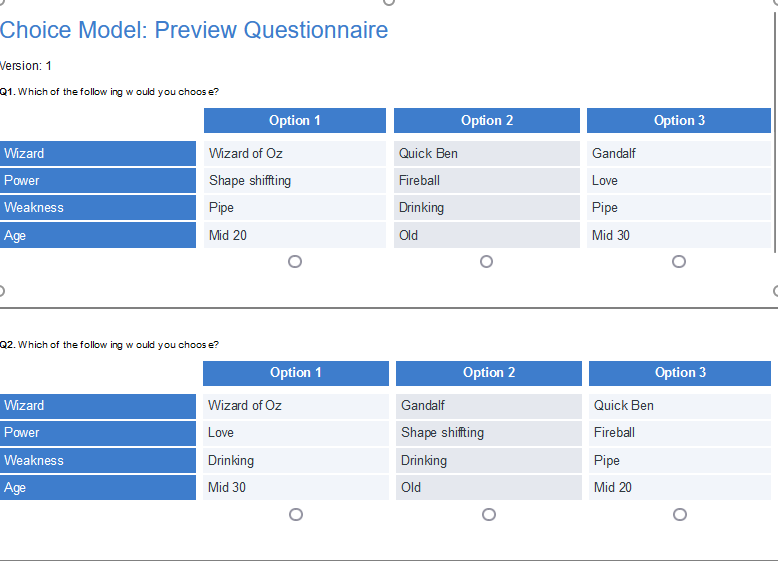
We often face a problem: are there too many attributes, or are there too many levels, or maybe the levels should be shorter (in terms of number of characters). You might build a simple design simulator in excel to check how the tasks presented to respondents look like. Or you can be a smart ass and go to the: Anything > Advanced Analysis > Choice Modeling > Preview Choice Questionnaire It will open new side menu where you need to select from dropdown box choice.model.design.
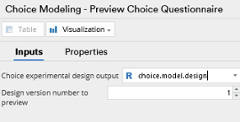
Open Preview
It will put a preview of the appearance of conjoint cards in your current view.